Introduction
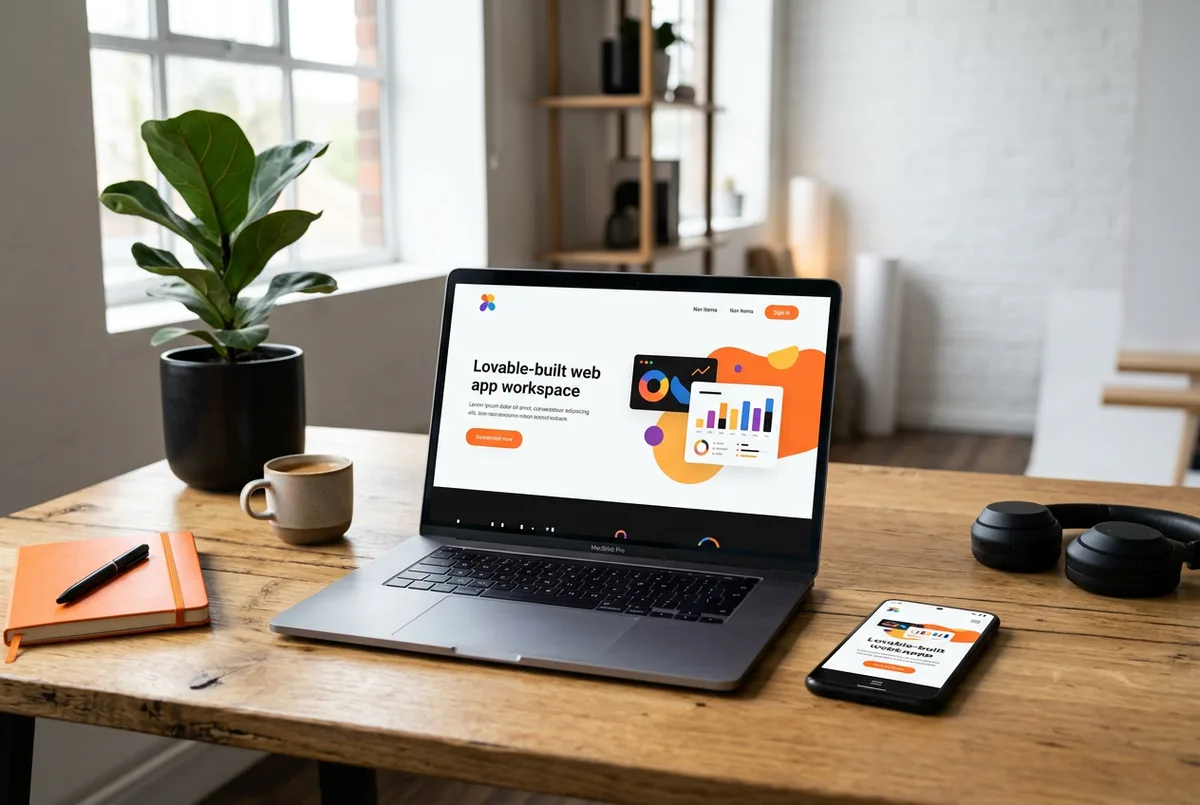
Lovable is designed to help people create web applications quickly. A Lovable project still needs to be deployed and compatible with the mobile runtime before it can be distributed as an Android or iOS app. NativeForge Studio provides a way to configure and package that accessible web experience; it does not make every Lovable project a one-click native export.
What Lovable is
Lovable is an AI-assisted web app builder. Projects commonly include a frontend and may connect to services such as a hosted database or authentication provider. The live website, its backend, and its development preview are separate things. Use the production URL—not an editor-only preview—as the starting point.
What you need before starting
- A Lovable project you can edit and a stable published HTTPS URL.
- Production versions of any database, API, auth, or payment services the app needs.
- App icon, launch artwork, app name, privacy policy, and a support contact.
- NativeForge Studio access and developer accounts for Google Play or Apple if publishing.
Step-by-step: Lovable to Android and iOS
- Publish the project. Use Lovable’s current deployment options or connect the project to a supported hosting workflow. Verify the resulting URL in a logged-out browser and set a stable custom domain if needed.
- Check the production integrations. Confirm database policies, auth redirect URLs, allowed origins, and environment variables are configured for the deployed domain. Never ship privileged keys in frontend code.
- Prepare for phone layouts. Test navigation, dialogs, forms, tables, and long content at phone widths. Ensure interactive elements have touch-sized targets and that key actions do not depend on hover.
- Review mobile runtime behavior. Check cookies and session restoration, external login, payment checkout, file selection, and links that need to open in a browser. Some third-party services deliberately block embedded browsers; provide a suitable external-browser path when required.
- Set up NativeForge Studio. Enter the published URL in a new NativeForge project. Review the page preview, add branding, configure app navigation, and verify each route that users need. The mobile app presents the web app inside a native container, so server-side services remain hosted where you deployed them.
- Build and test. Run the NativeForge preview and test on real devices. Follow its current export/build flow for an Android APK used in testing, an AAB for Play Console, and a signed iOS build for TestFlight or App Store Connect.
Prepare the project for mobile
Review responsive CSS, viewport configuration, HTTPS assets, loading states, and deep links. If authentication depends on cookies, test a fresh install and a returning session. If a backend uses origin allowlists, include the production origin and verify requests from the app shell.
Testing and previewing
Exercise a complete user journey, including sign-up or sign-in, saved data, logout, and a failed network request. Test the exact production URL in the NativeForge preview and on Android and iOS; a desktop browser preview alone does not reveal all runtime differences.
Build and publishing requirements
For Google Play, prepare a signed AAB, store listing, screenshots, privacy/data-safety responses, content rating, and current target API compliance. For Apple, prepare a signed iOS build, App Store Connect listing, screenshots, privacy answers, and required review information. Approval is controlled by the stores and cannot be promised.
Common problems and solutions
- Preview works but the app is blank: verify the public deployment URL and remove editor-only authentication or preview proxies.
- Database requests are denied: update backend origin and row-access rules for the real signed-in users.
- Login returns to the browser: configure redirect URLs and test the callback path on devices.
- A payment provider blocks the view: follow its embedded-browser policy and open checkout externally where required.
Frequently asked questions
Does Lovable create a native Android or iOS project automatically?
Do not assume it does. Lovable creates web projects; confirm its current export capabilities, then use a compatible deployed site with a mobile packaging workflow.
Will database-backed features keep working?
They should when the same production services, access policies, and auth flows are reachable from the app. Test with real non-admin accounts before release.
Next step
For a broader compatibility checklist, read how to turn any website into an Android and iOS app.