How to Convert a Replit App into Android and iOS Apps
Learn how to deploy a Replit web project, prepare it for mobile, preview it in NativeForge Studio, and work through Android and iOS release requirements.
NativeForge learning center
Step-by-step tutorials to convert your AI-built projects, websites and online stores into professional Android and iOS applications.

Learn how to deploy a Replit web project, prepare it for mobile, preview it in NativeForge Studio, and work through Android and iOS release requirements.

Understand the difference between a Claude artifact and a deployable web project, then prepare, test, and package a compatible project for Android and iOS.

Deploy a Lovable project as a web app, check its integrations and responsive behavior, and prepare a mobile package without assuming a native export exists.

Bring your live Shopify storefront, catalog, cart, and checkout journey into a mobile app shell, then test commerce flows and store policies carefully.

Check your WordPress theme, plugins, authentication, and APIs before packaging the public site as a mobile app with NativeForge Studio.

Prepare a PrestaShop storefront and customer checkout for a mobile runtime, then test catalog, cart, and account behavior before publishing.

Use this platform-neutral checklist to decide whether a website is ready for a mobile shell, then preview, package, and test it for Android and iOS.

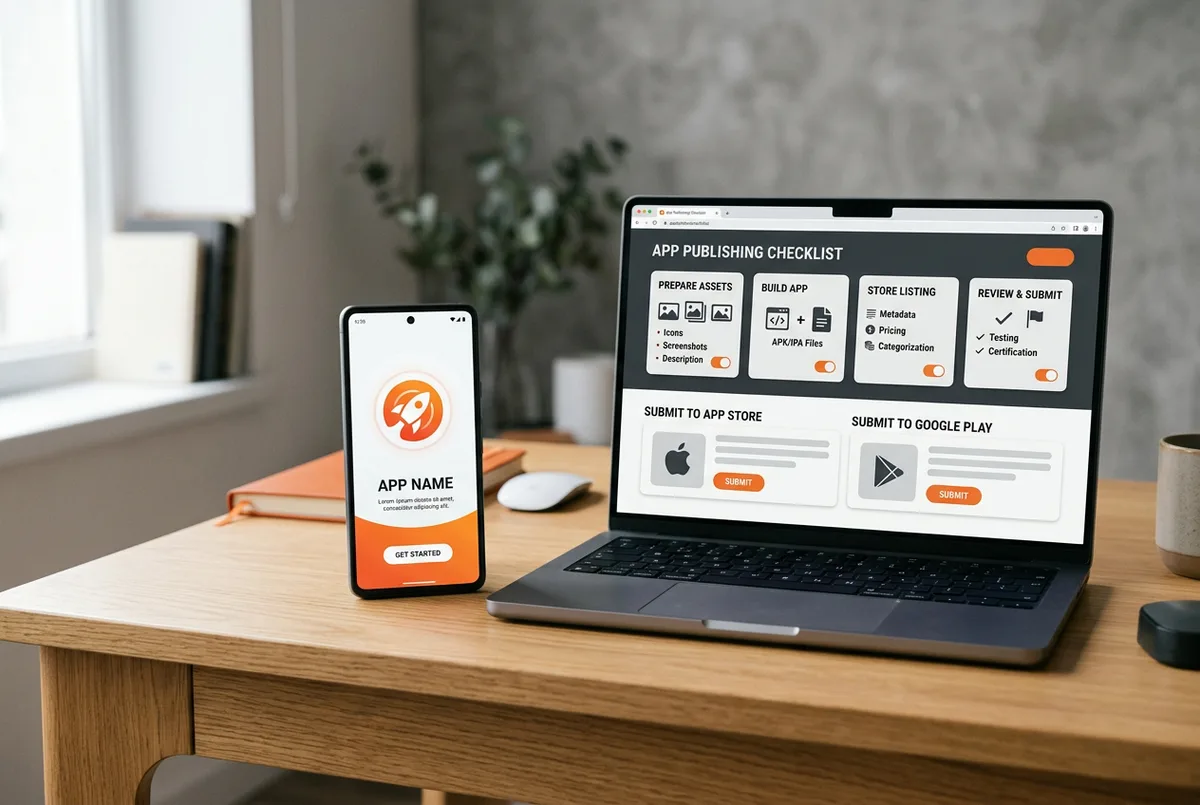
Follow the practical release path from mobile testing and signing to store listings, privacy disclosures, and review—without assuming approval is guaranteed.